Table of Contents
Introduction
UX design had a familiar cycle for years. It was weeks of user research, lengthy wireframe sketching sessions, and elaborate mockups before any code was even written. Then we waited for the user testing, which was sure to send us to the drawing board. It centered on human insight but was also painfully slow.A structured UI/UX design process in Indiacan help balance human creativity with automation.
Now, envision this: you wake up one morning and open your design tool, and it has already produced three optimized versions of your interface using real user data gathered during the night. Your prototypes have auto-tested themselves, identified the friction points, and improved them overnight. This is not science fiction; this is the new reality UI automation has ushered in.
Far from replacing designers, UI automation is becoming an essential partner. It makes our work smarter, faster, and more intuitive. UI automation frees us from repetitive tasks, allowing us to focus on what really matters: strategy, creativity, and solving complex human problems.
What exactly is UI Automation in Design?
When we talk about UI automation, we are talking about smart systems that can design, test, and optimize user interfaces with minimal intervention. UI automation transitions from static blueprints to dynamic designs that evolve on their own. If you’re new to how blueprints are built, explore our guide to the complete UI/UX design process.
Let's dissect the major components of UI automation:
AI-Powered Prototyping Through UI Automation
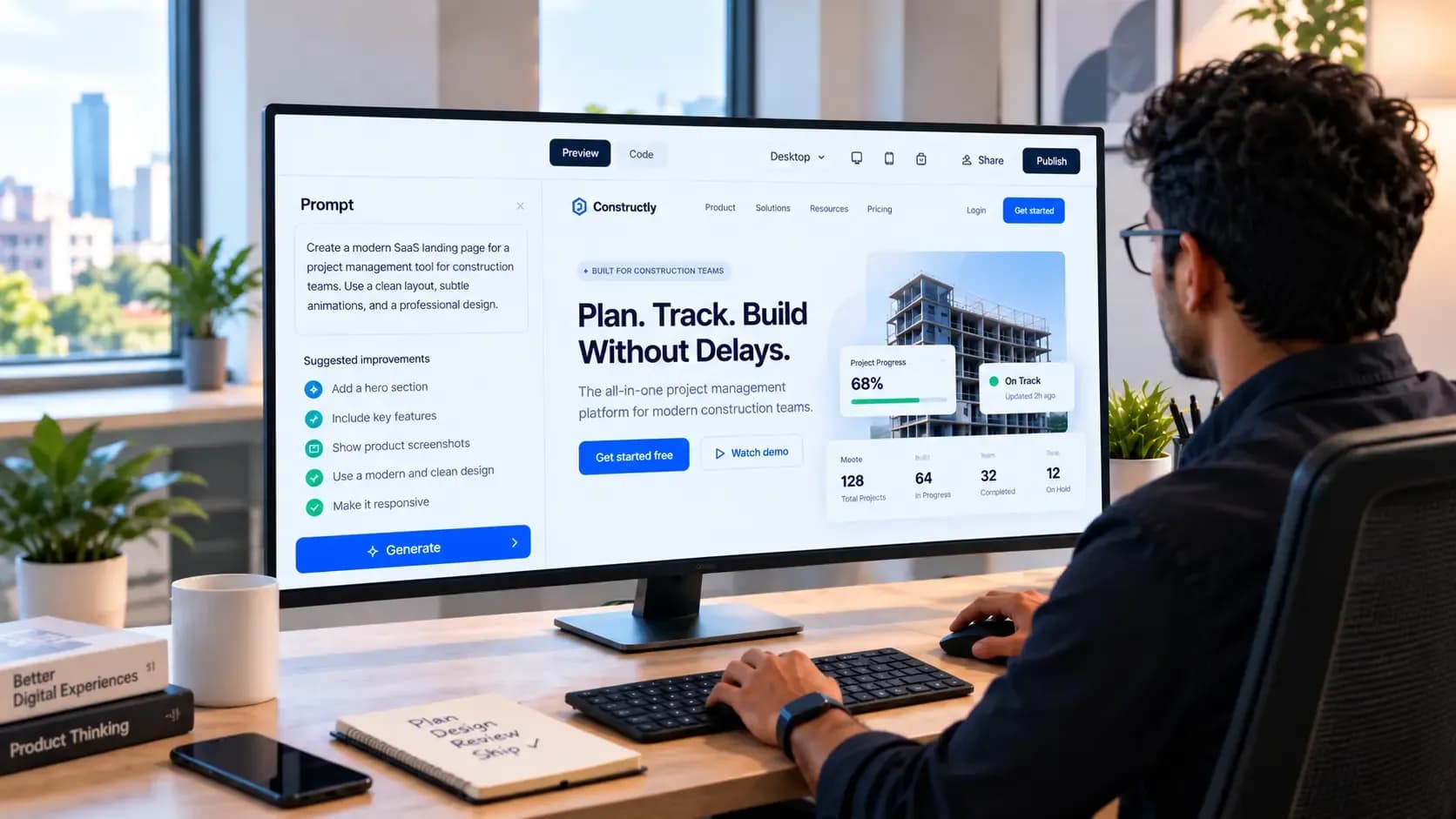
UI automation goes beyond Figma's auto-layout features and explores advanced prototyping capabilities. Current UI automation tools can now create full interface ideas from a brief prompt, revolutionizing how designers approach initial concept development.Compare this with traditional prototyping steps in the UI/UX design process.
Automated Experience Testing with UI Automation
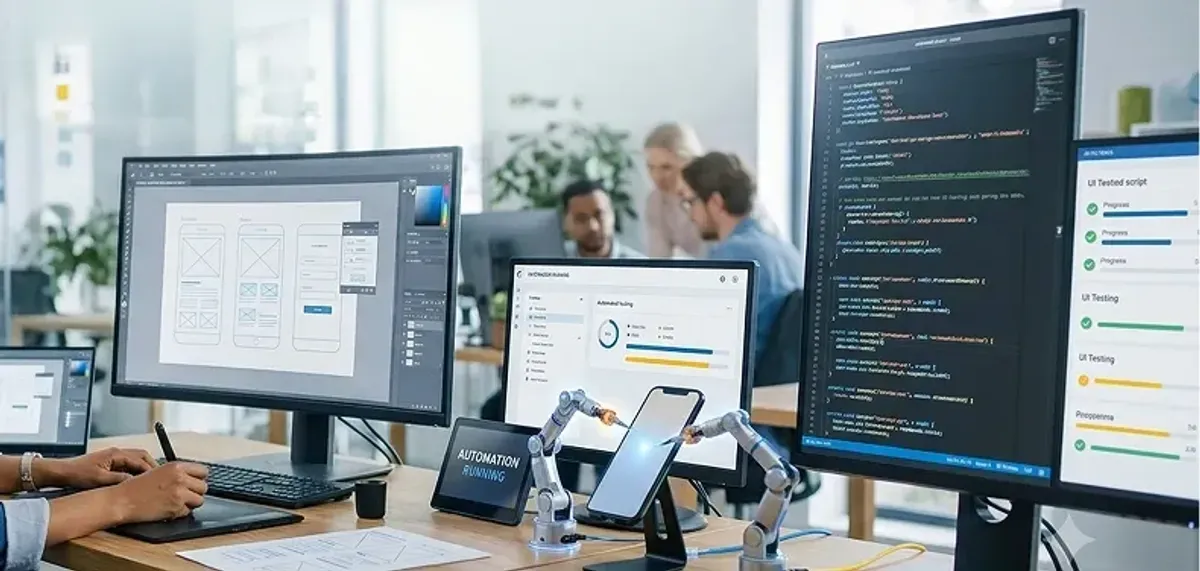
UI automation tools have matured from simple bug checkers to advanced UX assessment systems. They're able to mimic thousands of user flows, flag usability problems (such as a perplexing navigation menu), and forecast how users will respond to new features-all without needing to schedule user interviews. This aspect of UI automation dramatically reduces testing time and improves accuracy.
Proactive Accessibility in UI Automation
Rather than an afterthought, accessibility is becoming a standard feature in UI automation systems. These UI automation tools can automatically test for color contrast problems following WCAG accessibility guidelines and check that tap targets are sufficiently large. Some UI automation systems are even capable of modifying the UI in real-time if it believes a user would find it helpful to have larger text or increased contrast.
Think of UI automation as a highly capable design assistant. It never sleeps, never faces creative blocks, and processes user feedback at incredible speeds. This UI automation assistant doesn't stifle your creativity; it enhances it by handling the routine work.
The Technology Behind UI Automation Magic
Knowledge of the mechanisms makes designers more efficient users of UI automation tools. Contemporary UI automation relies on several important underlying technologies cooperating together.
Machine learning algorithms in UI automation systems scour vast collections of effective interfaces and identify patterns that work with users across various groups and contexts. Natural language support in UI automation enables designers to explain their concepts in plain language, which the system converts into visual ideas.
Computer vision technology is also crucial in UI automation testing systems. It examines interfaces with the same rigor human eyes would, only quicker. These UI automation systems can identify visual irregularities, alignment issues, and even minute problems with visual hierarchy that a human could miss during all-night design sessions.
Most importantly, behavioral analytics engines in UI automation platforms learn from user activity on an ongoing basis, returning this insight to the design process. When users consistently struggle with one aspect, the UI automation system flags it or offers alternative methods based on winning patterns in analogous situations.
The Real-World Impact of UI Automation on a Designer's Day
The integration of UI automation is making a huge difference in the overall design process.
Faster Iterations: UI Automation Speeds Up Design Validation
Classic design iterations might take weeks. With UI automation, the timeframe is drastically reduced. A group I worked with recently used UI automation to test 47 navigation layout variations overnight. When they woke up the next morning, their UI automation system had identified the top three most successful designs. What once took a month now took place while they slept thanks to UI automation.
This UI automation pace enables a degree of experimentation that previously was not possible. You can now try out that radical, innovative concept because UI automation validation is instant. Designers claim a greater sense of creative liberty with UI automation tools, knowing they can rapidly validate ideas without conventional time investments.
Error Reduction: UI Automation Ensures Consistency by Default
We're human, so no matter how diligent we might be, mistakes happen. UI automation serves as the ever-vigilant sentinel of consistency. If you change the style of a button, the UI automation system does it everywhere it is used, resolving any conflicts it finds along the way. It's as if you had a hyper-vigilant design reviewer powered by UI automation who never tires and never misses a detail.
This UI automation consistency is not limited to visuals. UI automation interfaces can also be behaviorally consistent, ensuring that interactions work the same way in different areas of an application.
User-Centered Adaptation: UI Automation Creates Interfaces That Understand You
The most exciting part of UI automation is creating interfaces that adapt to individual users. Instead of a one-size-fits-all design, UI automation allows for dynamic personalization. Your app's interface might become more touch-friendly when UI automation detects you're walking, or reduce visual clutter when you're in a distracting environment.
This UI automation personalization is already happening with platforms like Spotify, which uses UI automation principles to adjust music recommendations, or Airbnb, which might display different photos based on your past searches through UI automation algorithms.
Breaking Down Silos: How UI Automation Transforms Team Collaboration
UI automation not only alters workflows but also how design teams collaborate with developers, product managers, and stakeholders.
Seamless Design-Development Handoffs with UI Automation
Handoffs in the past were typically filled with long specification documents and unavoidable miscommunication. UI automation design systems produce production-grade code along with visual designs, eliminating the translation process that can make mistakes. Developers receive living prototypes with built-in behaviors and interactions through UI automation.
Stakeholder Buy-In Through UI Automation Data-Driven Insights
One of the greatest problems in UX design has been explaining design decisions to stakeholders. UI automation gives designers tangible proof for design decisions. Rather than explain intuition, designers can show UI automation performance data: "Version A performed 23% better in our UI automation user testing."
Real-World UI Automation Applications
E-commerce: UI Automation Personalization at Scale
Large-scale e-commerce sites are employing UI automation to design personalized shopping experiences. Amazon's interface uses UI automation to change not only product recommendations but also navigation patterns, search filters, and page layouts depending on user behavior.
Financial Services: UI Automation Builds Trust Through Consistency
Banking applications apply UI automation to enforce consistency across complex user flows while responding to different user comfort levels. UI automation systems present simplified interfaces for new users while providing experienced users streamlined access to advanced features.
Healthcare: UI Automation Makes Accessibility Integral
Healthcare sites utilize UI automation to adapt interfaces for individuals of varying abilities and technical familiarity. UI automation systems dynamically modify text size, color contrast, and interaction options based on user requirements and preferences.
The Future of UI Automation in UX Design
The collaboration between designers and UI automation is just beginning. Here's where UI automation is heading:
Predictive UI Automation Design Systems
Next-generation UI automation systems will predict user requirements before they occur. Based on patterns from millions of interactions, UI automation will recommend interface modifications that tackle developing user behaviors before they become endemic problems.
Emotional Intelligence in UI Automation Interfaces
We will move toward UI automation systems that create deeply personalized user journeys considering emotional context alongside functional needs. UI automation will learn to identify when people are frustrated, bewildered, or happy and adjust strategies accordingly.
Preparing for the UI Automation Future
Essential Skills for UI Automation Success
Successful designers in a UI automation world will require a combination of traditional design skills and new technical competencies. Understanding UI automation psychology will become critical as designers guide systems that learn from human behavior.
Developing the Right UI Automation Mindset
The shift to UI automation design requires a change from perfectionist implementation to strategic direction. Rather than obsessing over perfecting each pixel, designers will discover how to establish principles that guide UI automation systems toward desired results.
Challenges and Limitations of UI Automation
The UI Automation Creativity Paradox
If we depend too heavily on UI automation, we risk losing our creative advantage. Effective designers use UI automation suggestions as starting points rather than complete solutions, maintaining their creative edge while leveraging UI automation efficiency.
The Privacy Puzzle in UI Automation
Successful UI automation relies on user information, creating vital privacy and consent questions. UI automation systems must balance personalization benefits with user privacy protection, implementing privacy-friendly approaches like federated learning.
Conclusion: Your Place in the UI Automation Future
UI automation is not something to be feared; it's an opportunity to build more personal, accessible, and effective experiences than we ever thought possible. The future of UX design isn't about choosing between human creativity and UI automation; it's about finding the perfect partnership.
UI automation can manage data work and repetitive tasks that slow us down, allowing us to concentrate on aspects machines can't replicate: empathy, strategic thinking, and true creativity. Success in this UI automation landscape will be for designers who master working with these tools while never forgetting the human on the other end of the screen.
working with these tools while never forgetting the human on the other end of the screen. The designers who will succeed with UI automation will be the ones who see it not as a substitution for human imagination, but as an amplification of human understanding. They'll be the ones applying UI automation technologies to ask more compelling questions, test more provocative hypotheses, and make stronger connections between technology and the people using it.
.png&w=640&q=75)